Plugin Ecosystem

KuunAi for
SketchUp

The bridge between architectural geometry and photorealistic rendering. Fast to learn, precise in production, and built for real project reviews.

Release Cadence

Development Roadmap

Pre-alpha validation is complete. The rollout now continues in open alpha, with broader testing and the next layer of workflow improvements ahead.

Current Focus: Open Alpha
PHASE 01

Pre-Alpha

Closed sync validation is complete across invited users and internal production scenes.

COMPLETED100%
PHASE 02

Open Alpha

Open alpha has started. Controlled access now tests sync quality, panel behavior, and day-to-day use in live projects.

LIVE NOW5%
PHASE 03

Open Beta

Broader public access opens once alpha feedback hardens the sync experience across more teams.

UP NEXT
PHASE 04

Platform Expansion

Post-beta releases expand the platform with fresh tools, workflow automation, and quality-of-life improvements.

PLANNED

Get Started in 3 Steps

Install the plugin in your SketchUp workspace and get productive in minutes.

01

Download RBZ

Download the latest plugin package and choose the version that matches your SketchUp setup.

02

Open Extension Manager

Go to Window > Extension Manager in SketchUp to manage and install your extensions.

03

Install & Restart

Click 'Install Extension', select your RBZ file, and restart SketchUp to initialize KuunAi.

Inside the SketchUp Experience

Live Sync

Create a real-time connection between your model and the KuunAi render engine. Changes appear instantly without exports.

Material Sync

Map SketchUp surfaces to high-fidelity KuunAi materials and control gloss, displacement, and Fresnel from one place.

Pro Tip

"Use the 'Z' shortcut to quickly toggle the visual panel inside SketchUp."

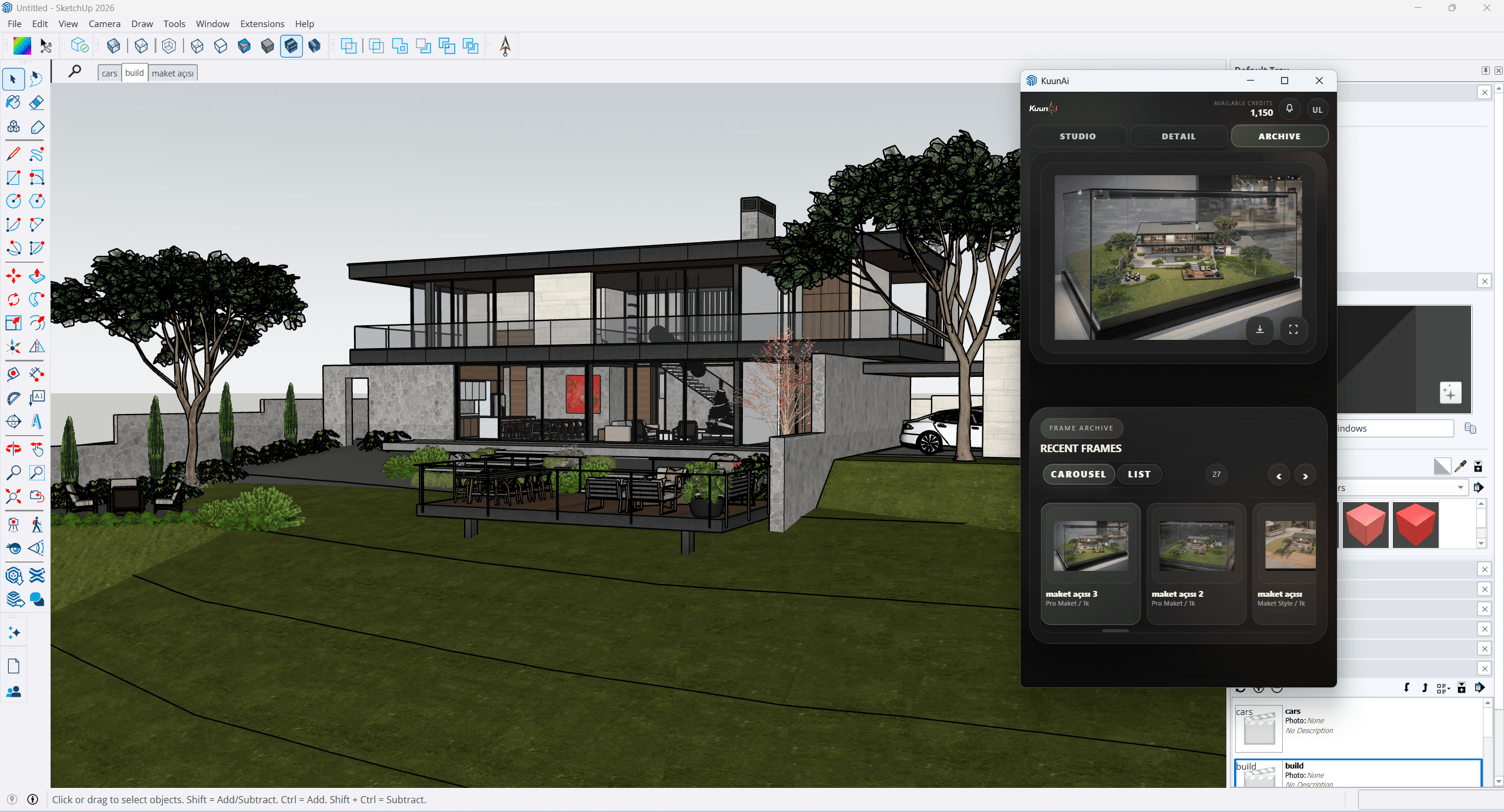
SketchUp archive view in KuunAi
Render Styles

Eight SketchUp looks gathered in one section.

This section is ready for the final references and descriptions you will share for the SketchUp workflow.

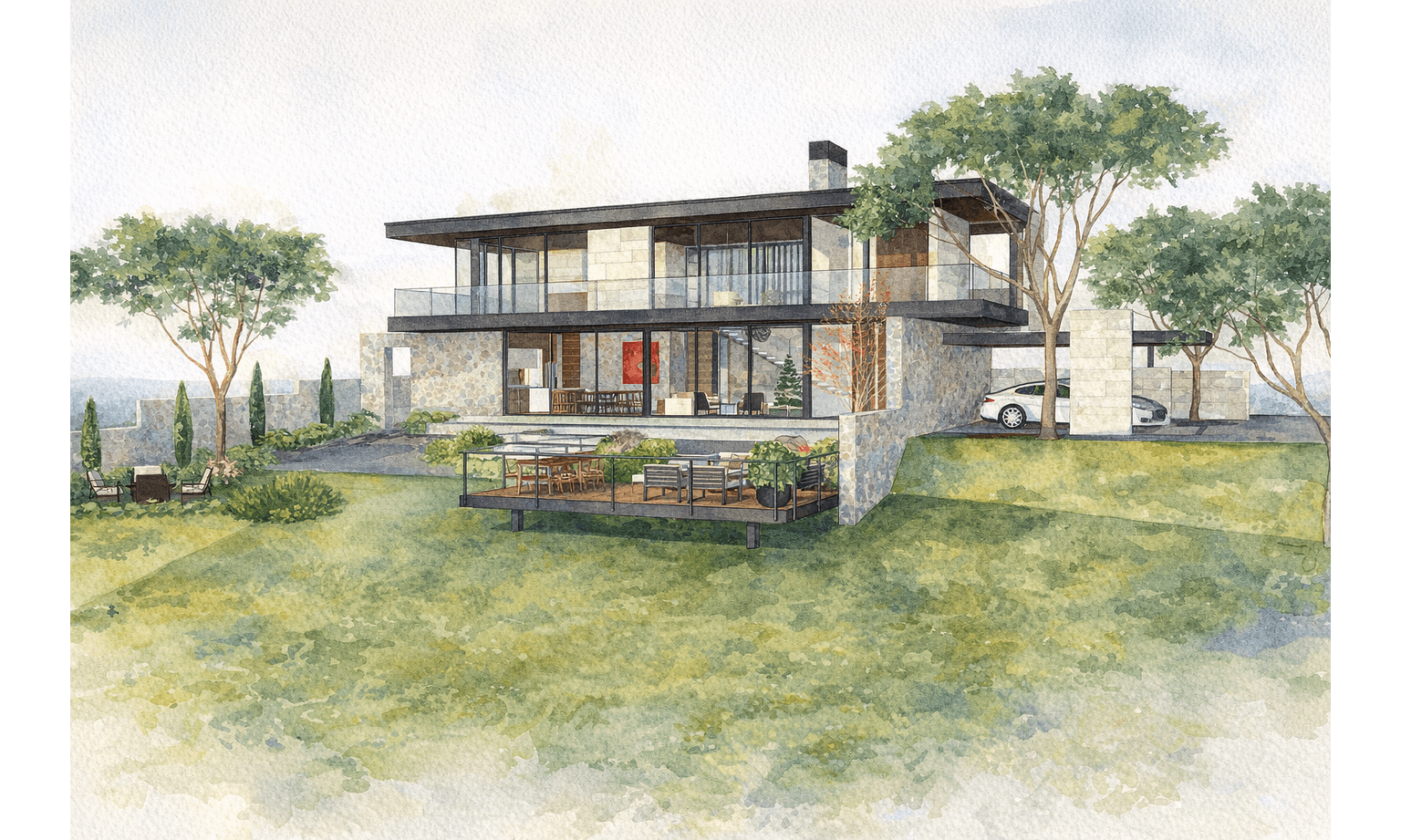
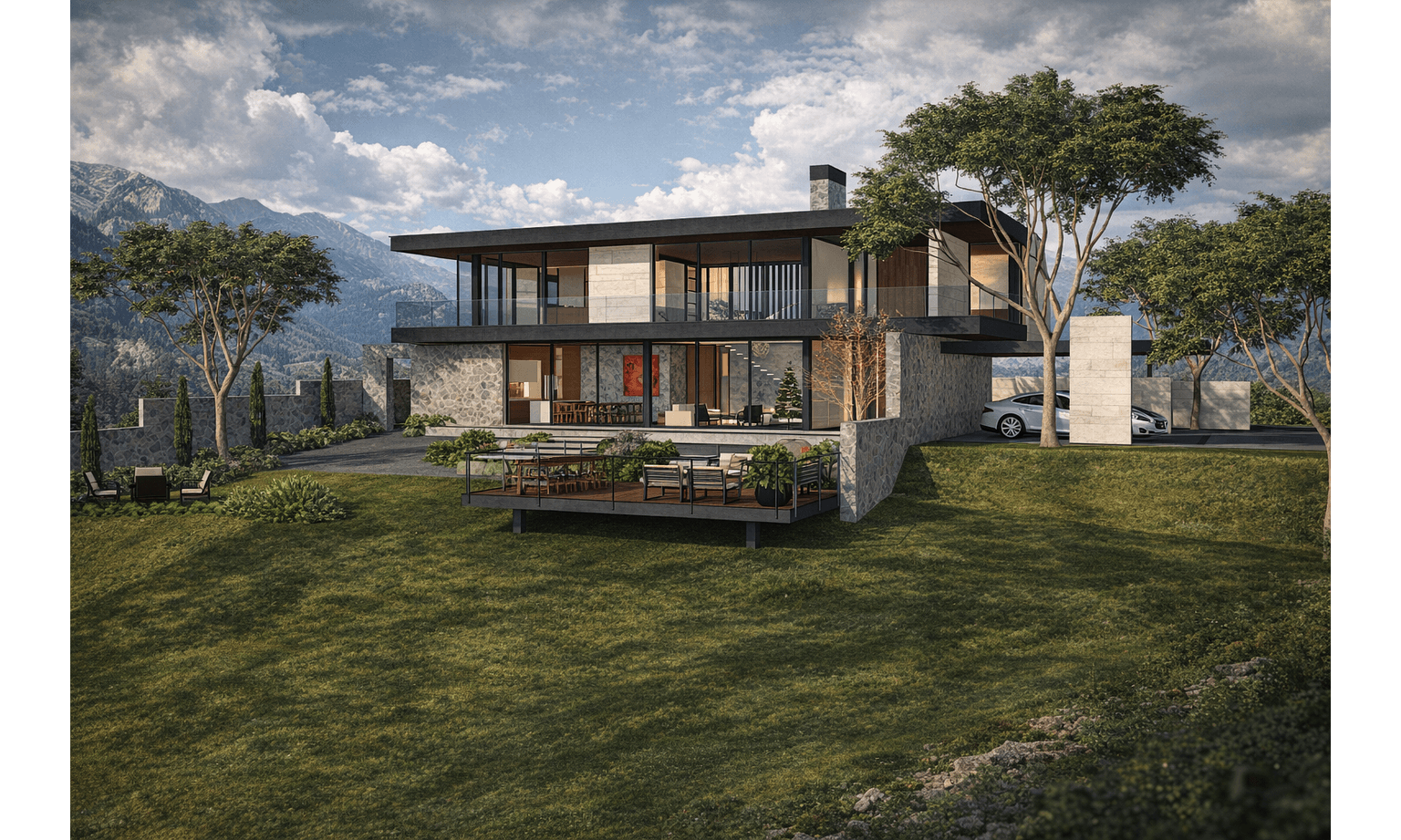
Photorealistic
Style 01
SketchUp

Photorealistic

Reserved for the clean photoreal pass and its final reference copy.

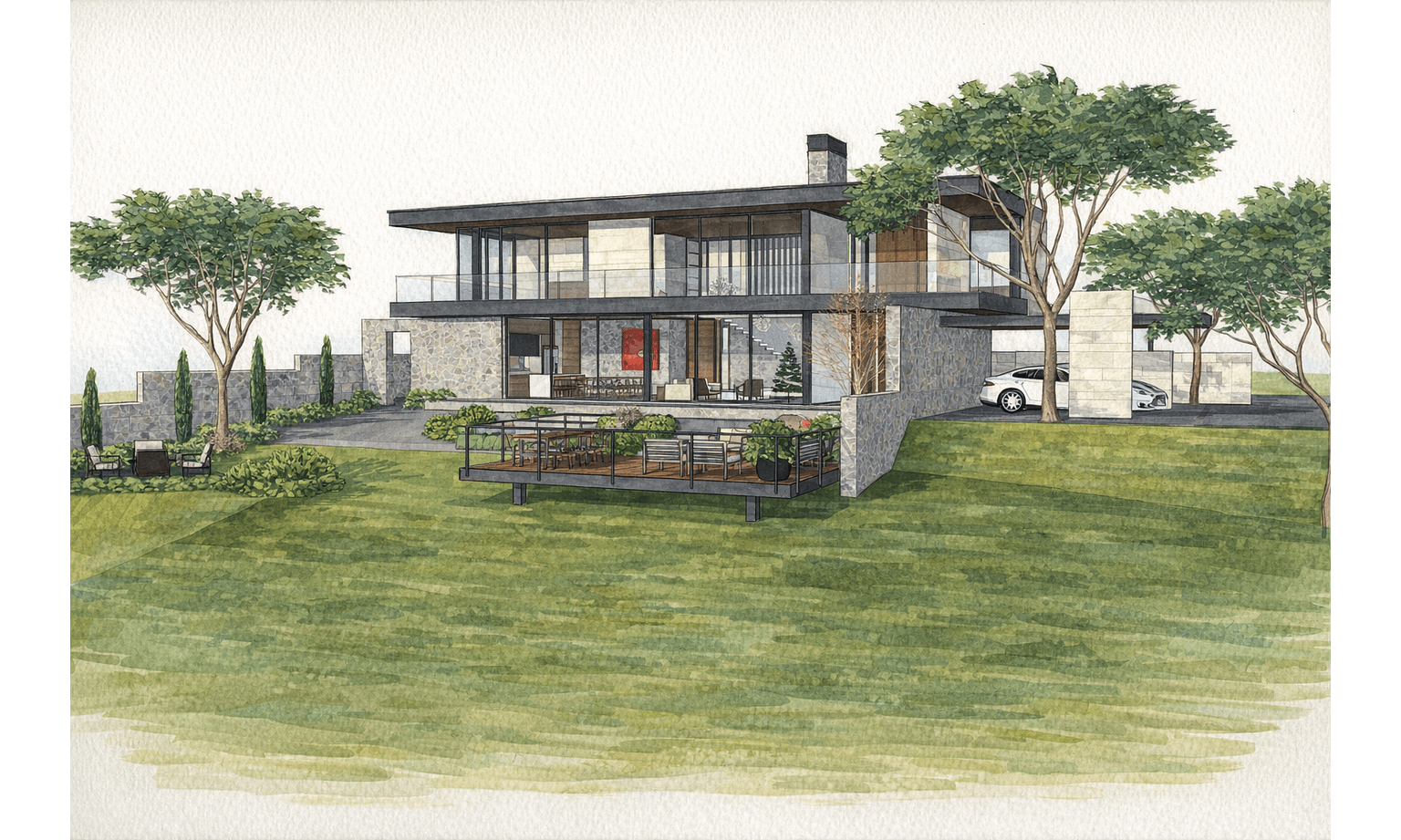
Watercolor
Style 02
SketchUp

Watercolor

Prepared for the softer brush-led sample that will arrive with your next visual set.

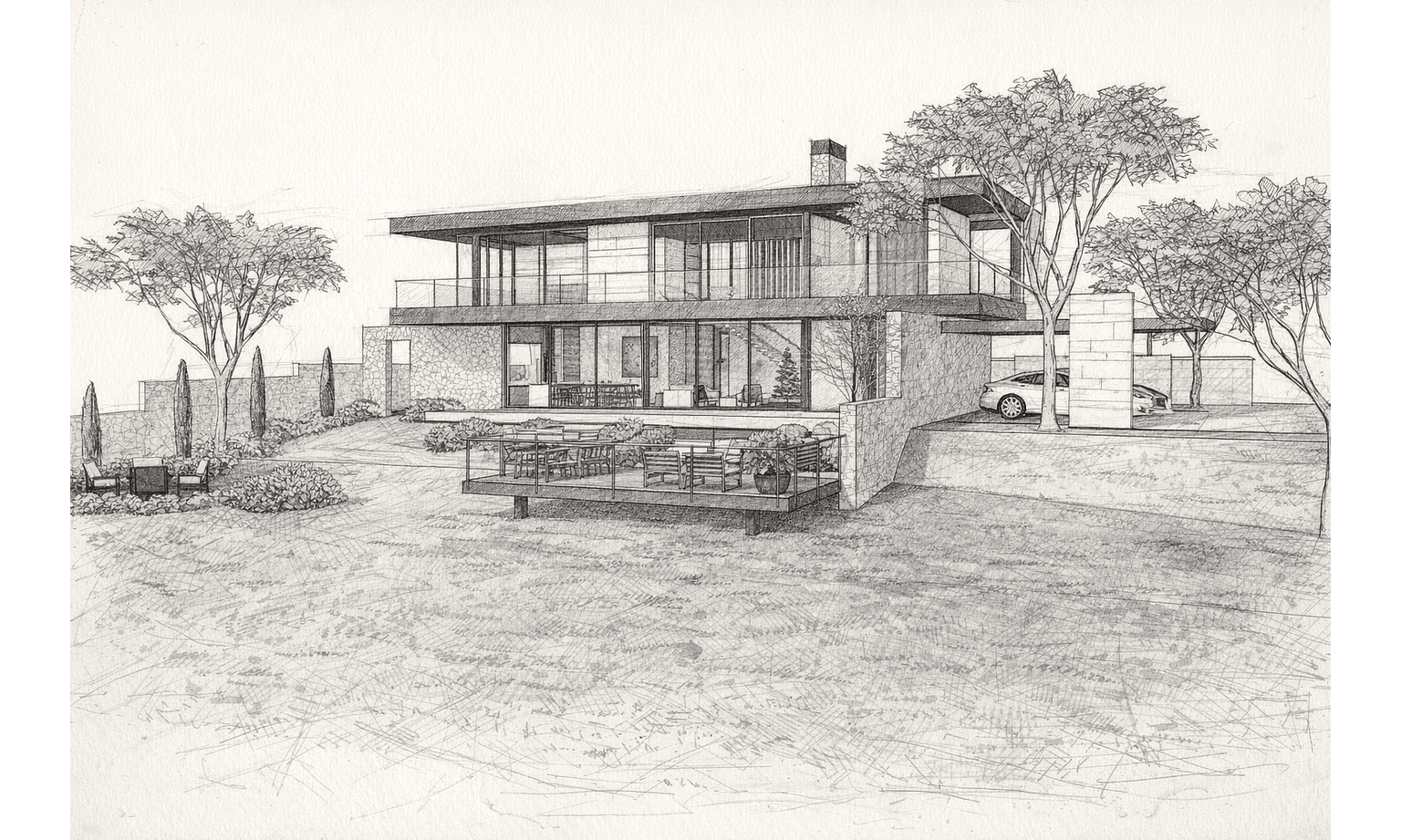
Sketch / Hand-Drawn
Style 03
SketchUp

Sketch / Hand-Drawn

Set aside for the line-heavy presentation look and its finalized positioning note.

Marker
Style 04
SketchUp

Marker

Ready for the marker-driven concept frame and the short style guidance you will send.

Studio Style
Style 05
SketchUp

Studio Style

Reserved for the studio-led presentation look and the final direction notes you will share.

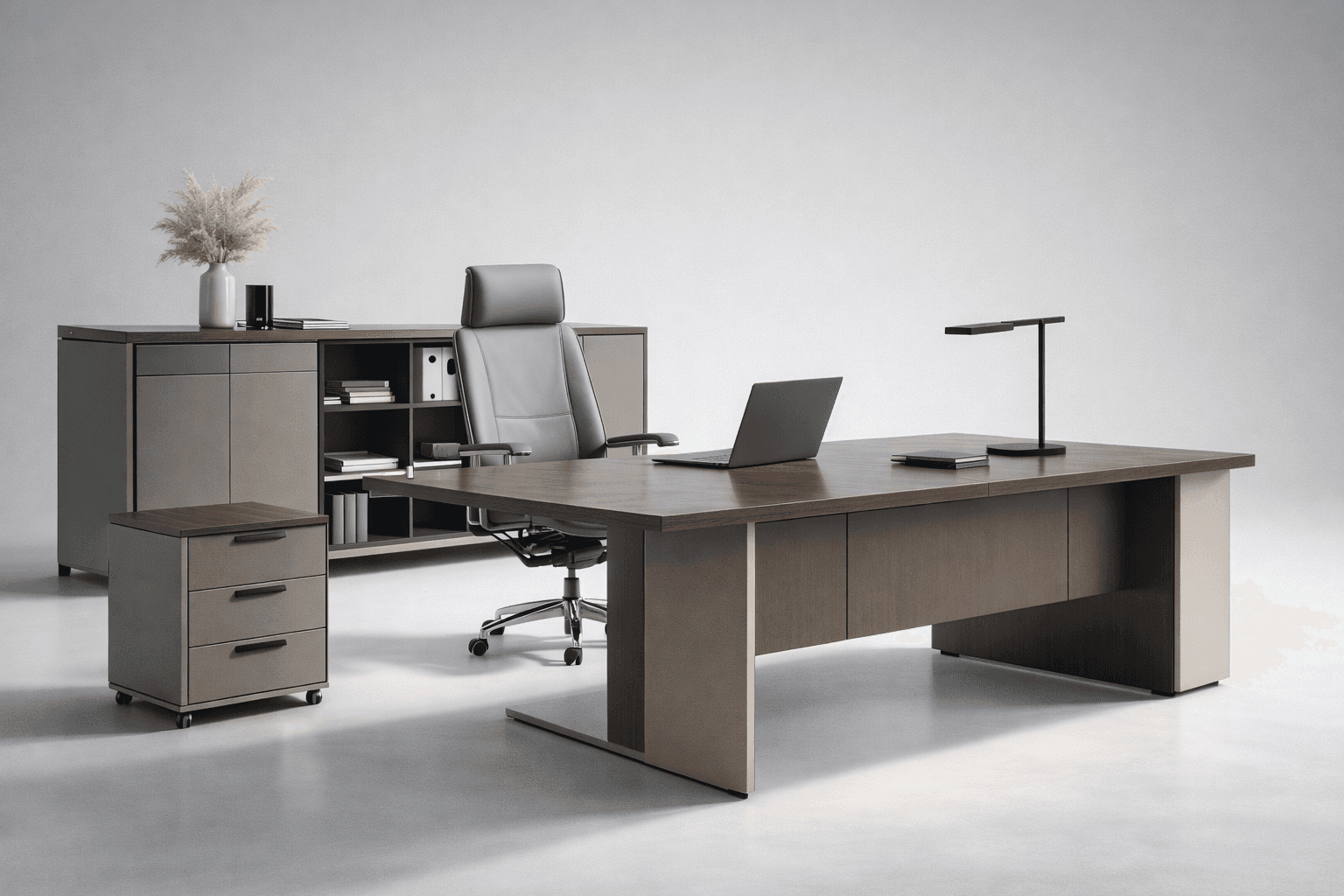
Pro Maket
Style 06
SketchUp

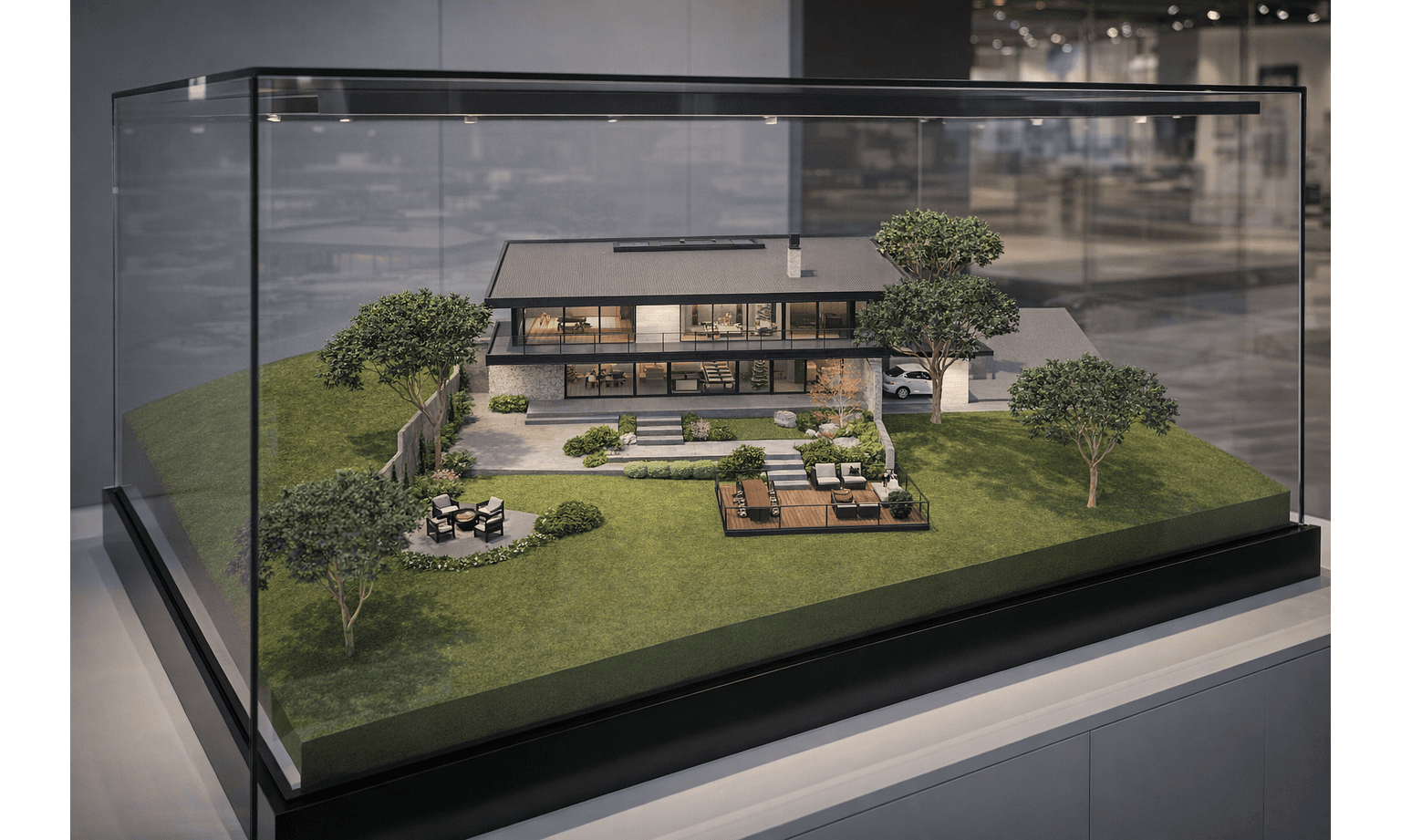
Pro Maket

Prepared for the premium showroom-style model render and its final descriptive copy.

Cinematic
Style 07
SketchUp

Cinematic

Ready for the dramatic contrast-driven render language and its final mood direction.

Maket
Style 08
SketchUp

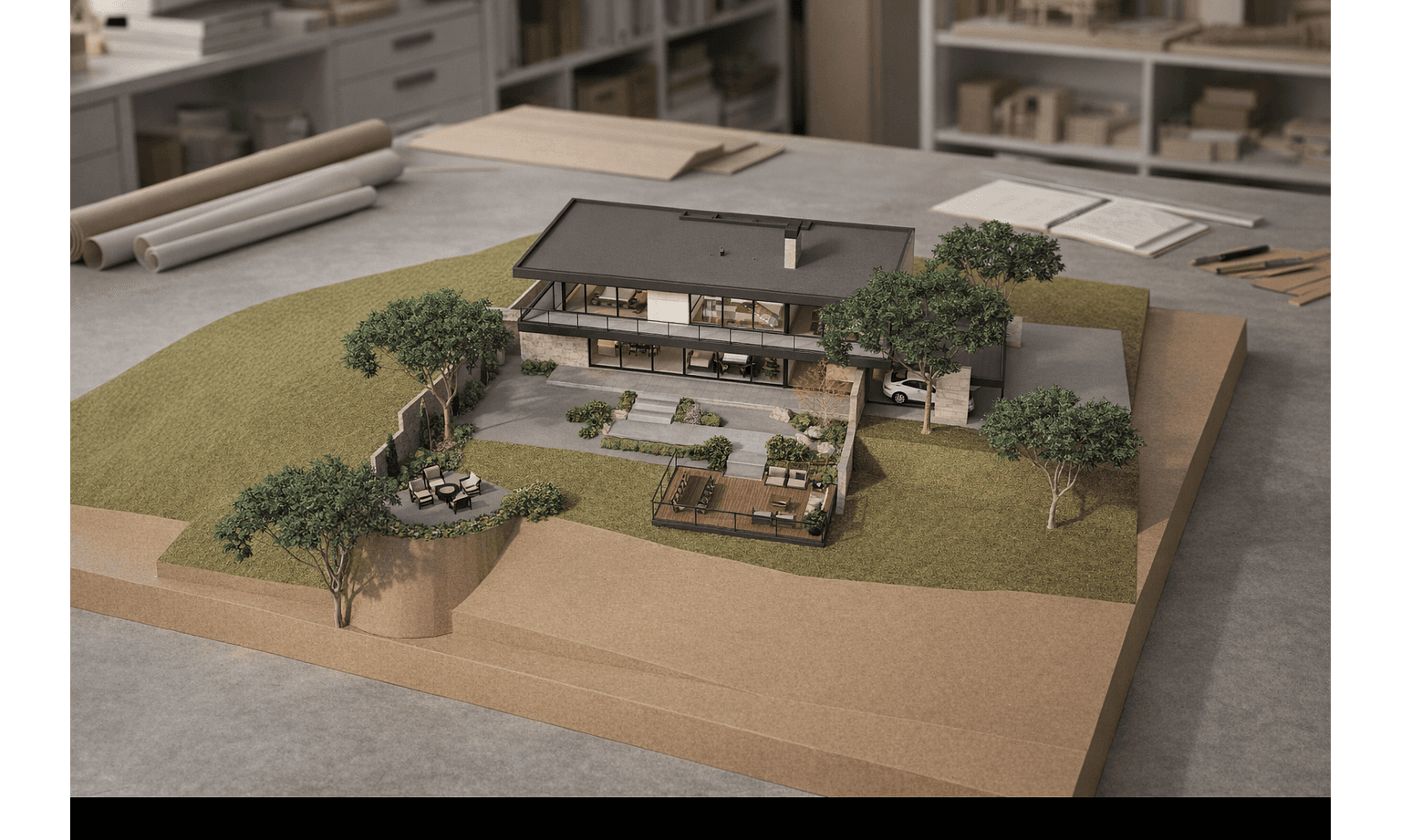
Maket

Reserved for the physical model interpretation and the concise production note you will provide.

Release Notes

SketchUp Patch Notes

Recent Ruby plugin updates behind the SketchUp bridge. Choose a version from the left to inspect the release details.

v1.0.2Current Notes

Presentation, Atmosphere & Guidance Update

This release gathers the biggest post-1.0.1 SketchUp pushes into one broader workflow step: presentation-oriented outputs, richer scene direction controls, stronger visual references, and more confident in-panel targeting.

Presentation-first outputs

  • Added Presentation Board as a dedicated render style so 2 to 4 saved SketchUp cameras can be assembled into one board-oriented output instead of a single frame.
  • Added portrait and landscape board orientation controls together with clearer camera-order handling for multi-angle presentation layouts.
  • Expanded saved camera behavior so the same views can be reused more reliably across board renders, archive review, and follow-up presentation passes.
  • The latest UI pass also sharpened presentation-mode detail so board-specific inputs read more clearly inside the panel.

New visual styles and scene direction

  • Added Watercolor, Sketch / Hand-Drawn, Marker, and Presentation Board so the SketchUp bridge can move beyond only photoreal or cinematic presentation language.
  • UI example: the active style set now includes multiple presentation-led looks side by side inside the panel.
    WatercolorSketch / Hand-DrawnMarkerPresentation Board
  • Added Environment Mood as a dedicated control so scenes can be pushed toward city, street, village, rural, desert, mountainous, coast, tropical, or meadow context.
  • Refined season handling so seasonal context can be directed more deliberately without losing scene readability.
  • Expanded sky direction with clear sky, soft clouds, dramatic, overcast, golden hour, and storm-light references for faster mood comparison.

Richer preview references

  • Added dedicated example media for cinematic, clay / maket, pro maket, photorealistic, watercolor, sketch / hand-drawn, marker, and presentation-board looks.
  • Added matching example images for sky presets so atmosphere choices are anchored to visual reference instead of text-only labels.
  • Refactored tooltip behavior and option naming so preview cards are easier to scan before a render starts.
  • Tooltip preview cards now behave more like quick reference panels, reducing trial and error when comparing visual directions.

Sharper detail picking and panel feedback

  • Improved Detail Picker feedback with a clearer cancel hint, stronger cursor treatment, and more visible face previews while targeting model areas.
  • Tightened inline controls around focus selection, picked notes, and quick actions so targeted edits are easier to place under production pressure.
  • Updated detail-selection panel states so the active target remains easier to track while moving between model regions.
  • Workbench preview behavior was aligned more closely with the plugin so image scaling, zoom behavior, and UI state feedback feel more consistent during iteration.

Workflow polish around delivery

  • Recent pushes also continued to polish archive fullscreen preview, sharing, download flow, and success feedback so finished renders are easier to review and hand off.
  • Session and access behavior kept improving across the same cycle, including browser-based Google sign-in, clearer account feedback, and more stable long-session panel behavior.
  • Packaging and preview tooling matured alongside the UI work, including versioned RBZ outputs, manifest support, and a stronger browser workbench for testing without SketchUp.
  • Taken together, these pushes move the SketchUp bridge from a stable core package toward a more presentation-ready daily workflow.

Tell us your thoughts